
Magic Dieter J Runge
Pioneering automation innovation and AI-powered solutions across multiple industries.
Discover The Magic

Full Interview
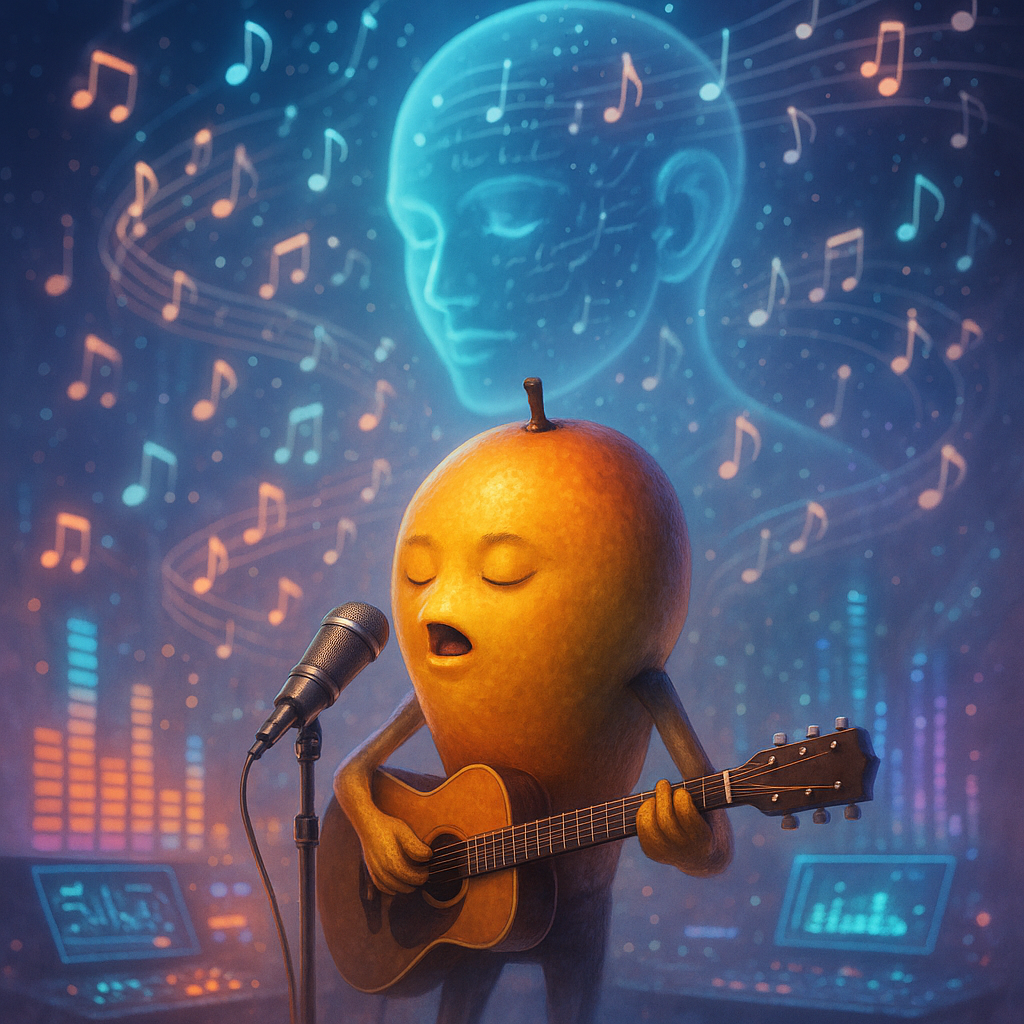
Amazing Song

Speaker Introduction

Interview Highlights
Automation Workflows
Speech-to-Text Automation
Transcribes audio files using speech recognition, stores transcriptions in Google Sheets, and sends notifications via Slack. Eliminates manual transcription efforts and reduces turnaround time for audio processing.
Multilingual Communication Automation
Processes incoming messages, detects the language, translates it, and sends the response through Twilio while notifying via Email. Streamlines multilingual support and ensures accurate communication across different languages.
Image Generation Workflow
Generates images based on provided prompts, saves them in Google Drive, and notifies the user through Discord. Automates the creative process, reducing the time spent manually generating and sharing images.
AI-Assisted Homework Support Automation
Answers homework questions using AI and records responses in Google Sheets, while notifying the user via Email. Improves efficiency in finding information while ensuring that assistance is readily available when needed.
Voice Cloning Automation
Clones voice for audio recordings and saves them in Google Drive while notifying the user of completion. Enhances audio production quality and saves time in the voiceover process.
Quality Control for Image Generation Automation
Retrieves generated images for analysis, applies quality checks, and stores them in Google Drive after processing. Ensures high quality and consistency in image outputs, reducing errors in the final products.
Content Creation Automation
Generates content based on prompts and saves it in Google Docs, while notifying through Slack. Facilitates streamlined content creation, minimizing manual input and promoting productivity.
AI-Powered Reporting Automation
Pulls data, analyzes it, and creates a report in PDF format to be sent via Email. Enhances reporting accuracy and reduces time spent on compiling information.
Customer Interaction Automation
Interacts with customers using a chatbot and logs interactions in the CRM while notifying required personnel via Email. Improves customer engagement while automating data logging for better service tracking.
Email Campaign Automation
Creates, formats, and sends email campaigns through Mailchimp storing campaign logs in an archive. Increases the effectiveness and efficiency of email marketing efforts, driving better engagement rates.